Categories
Uncategorized

Constructionism and Maker Movement

What are MakerSpaces?

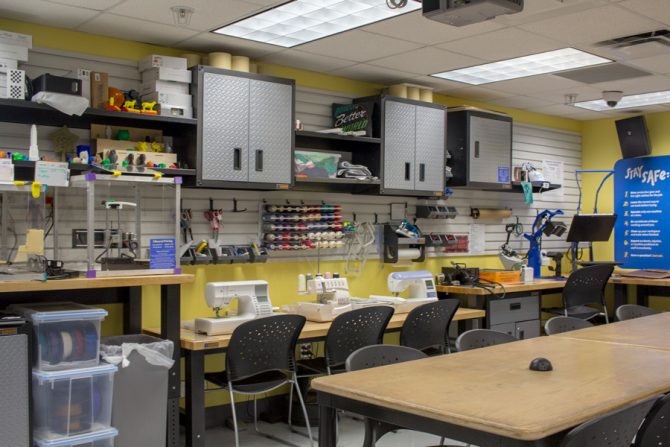
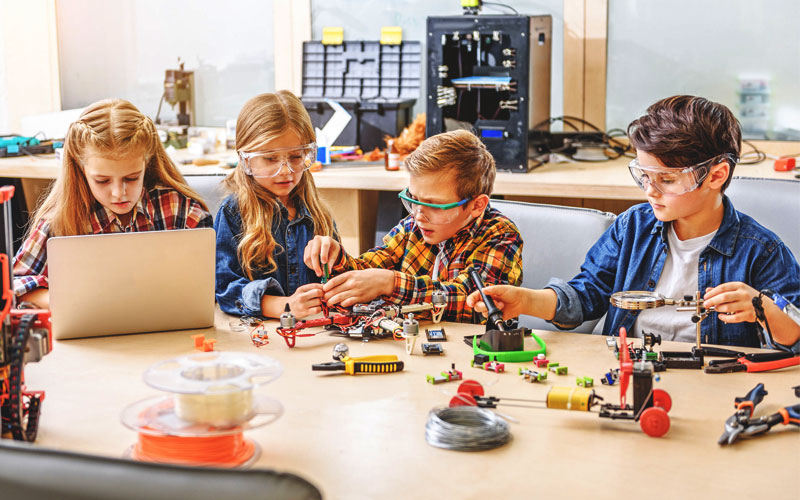
Makerspaces are environments where individuals use technologies to make physical artifacts within a community of fellow Makers (Hira & Hynes, 2018). Makerspaces are for individuals to merge digital and physical technologies to explore, learn and create. These spaces can be found in many schools as they are a key component of a larger maker movement (Sheridan et al., 2014). Makerspaces and the activities they support have gained a lot of interest from educational institutions over recent years. 

Despite an increase in interest around makerspaces, there is little research suggesting the educational benefits (Sheridan et al., 2014). However, the research that has been conducted is promising. Presenting that when individuals learn in a makerspace, a sense of community and self-directed participation occurs (Sheridan et al., 2014).

The following are examples of technologies that can be found in a makerspace.

3D Printing

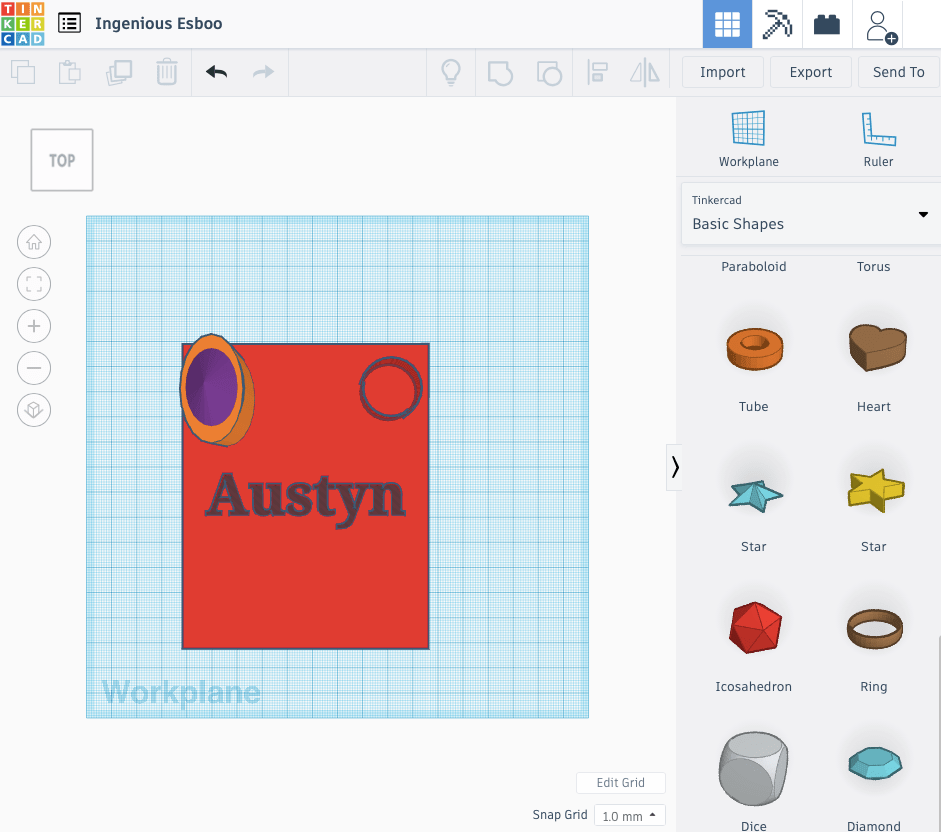
Tinkercad is a free software that enables individuals to create 3D dimensional models that can be printed. The software is easy to navigate and child friendly. 3D printing can be use in a variety of subject strands
Computational Thinking

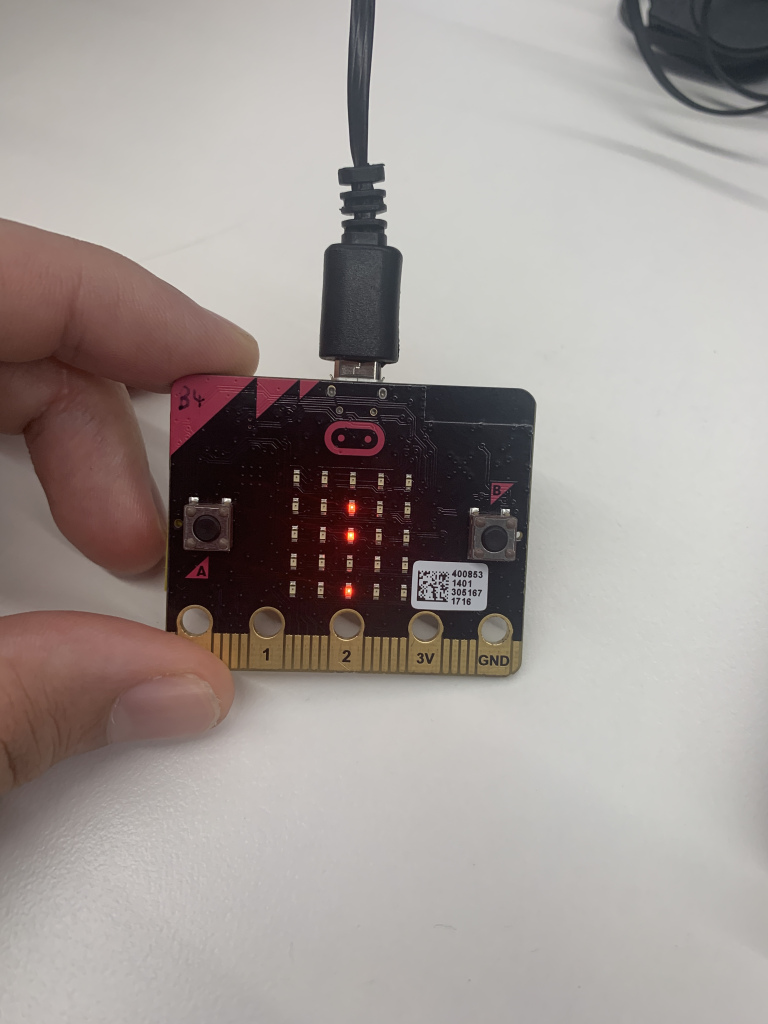
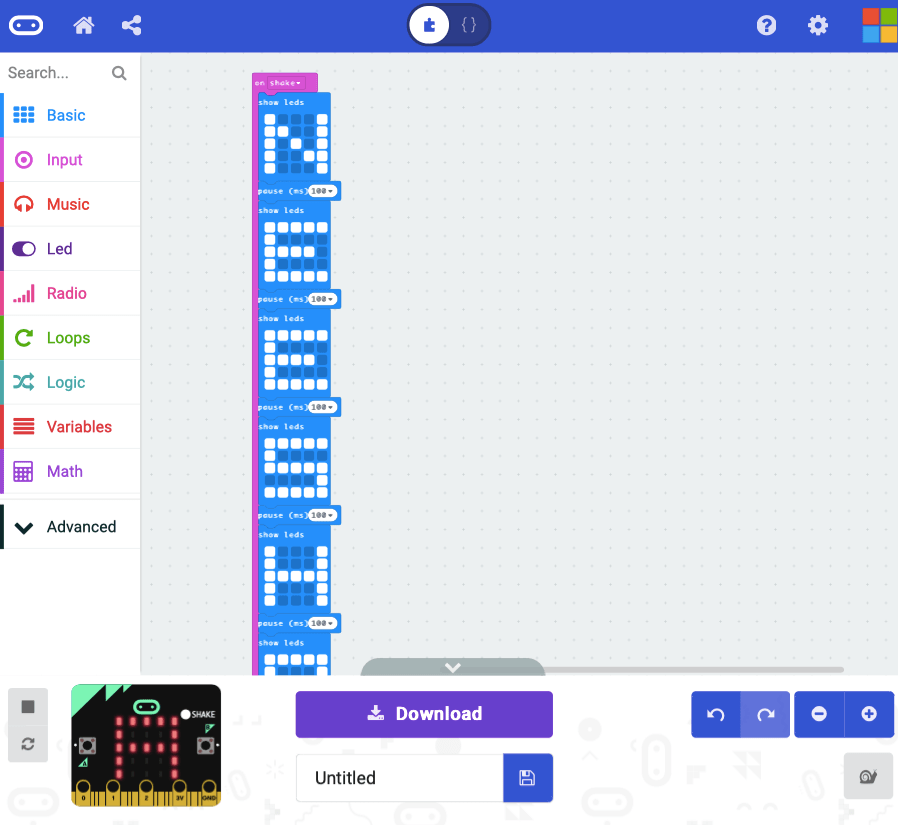
Micro-bit allows for students to explore coding through a pocket-sized computer chip. This chip has 25 LED lights that display information when coded correctly. There are other similar designs to the Micro-bit, such as: Rasberry Pi and Intel Galileo.

Potential Issues with Makerspaces

In makerspaces, there is the potential issue for diversity and inclusion. The dominant ‘Maker’ culture is said to be white, masculine and technocentric (Hira & Hynes, 2018). It is the educators job to create lessons that consider all individuals and not favour masculinity.

References

Hira, A., & Hynes, M. (2018). People, Means, and Activities: A Conceptual Framework for Realizing the Educational Potential of Makerspaces. Education Research International2018, 1-10. https://doi.org/10.1155/2018/6923617

Sheridan, K., Halverson, E., Litts, B., Brahms, L., Jacobs-Priebe, L., & Owens, T. (2014). Learning in the Making: A Comparative Case Study of Three Makerspaces. Harvard Educational Review84(4), 505-531. https://doi.org/10.17763/haer.84.4.brr34733723j648u
Categories
Uncategorized

Digital Games and Design

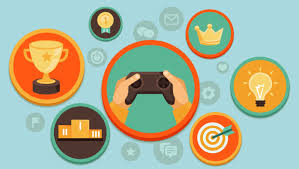
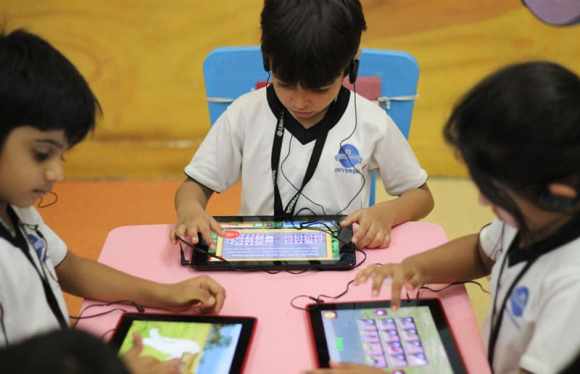
The classroom is forever changing and growing to meet the learning needs of students. the use of games in education can be viewed as an interface to learning. However, when these games are designed and utilized for pedagogical purposes, they are a useful tool for improving the effectiveness of learning at all levels of education (Manesis, 2020). Technology in the classroom in implemented to simplify and improve educational outcomes through higher levels of engagement and motivation. 

Games can be used as a support tool alongside traditional teacher practices to improve a learning experience. The use of games in educational settings is said to improve critical thinking skills, creativity, teamwork and sportsman ship (Zirawaga, 2017). There is a growing interest towards the use of games in a learning environment, however, the integration of these games needs to be looked into in more depth (Kangas, et al,2017). 

Role of games in education (Boyle, 2011)

Scratch

Scratch is a coding-based learning tool that provides users with the opportunity to create their own interactive stories, animations and games. Scratch is growing in popularity as many educational institutions are realizing the potential scratch has on project-based learning across many subject areas and year levels. 

Scratch can foster creativity due to the range of possibilities for design. Students are required to discover, interpret, think of an idea, experiment, and evolve on a design. Scratch enables students to continuously problem solve and experiment (Squire, 2006).

Just like many other technologies, students and teachers will both need to be trained to use Scratch. Teachers may not be able to monitor all students using Scratch. This can result in students getting off topic or falling behind.

References

Kangas, M., Koskinen, A., & Krokfors, L. (2017). A qualitative literature review of educational games in the classroom: the teacher’s pedagogical activities. Teachers and Teaching, 23(4), 451-470.

Mayer, R. E. (2019). Computer games in education. Annual review of psychology, 70, 531-549.

Squire, K. (2006). From content to context: videogames as designed experience. Educational Researcher, 35(8), 19-29

Categories
Uncategorized

Virtual Reality

What is It?

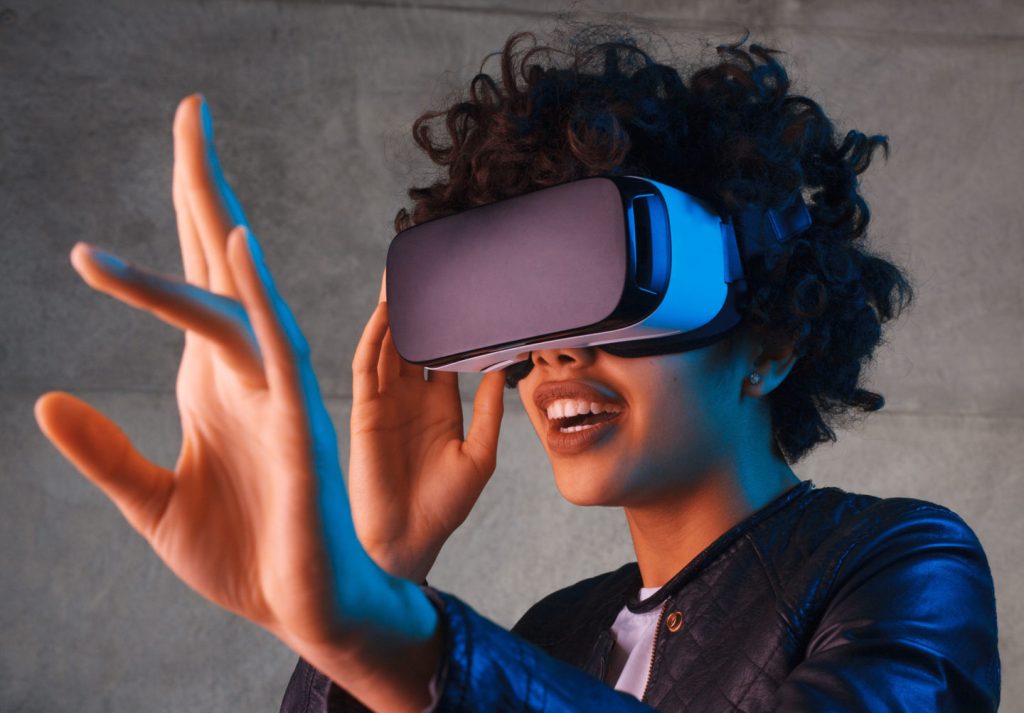
Virtual Reality is the creation of a stimulated environment using computer technology. Instead of the individual having a screen to interact with, users are placed inside the experience, allowing for objects and shapes to be interacted with. Virtual Reality stimulates many senses, such as vision, hearing, touch and smell. Virtual reality has limitations such as reliability, cost and the availability (Bardi, 2019). The difference between Virtual Reality and Augmented Reality is that Augmented Reality stimulates an artificial object into in the real-world environment. (See previous blog for more information on augmented reality).

Virtual Reality in Education

Virtual Reality has the potential to be beneficial when used in the correct manner (Ainge, 1997). When used in an educational setting, Virtual Reality can increase motivation, spatial thinking and change how an individual views learning. Research suggests that when compared to direct teaching, Virtual Reality has better educational outcomes (Blazauskas, et al, 2017). However, Virtual Reality is expensive, time consuming and teachers will need to be trained on using the technology. If Virtual Reality is used incorrectly, motivation may decline, and pedagogical outcomes will not occur (Kizilkaya, L., et al, 2019). Overall, teachers shouldn’t use the technology as a ‘silver bullet’, educational outcomes need to be the bases of the lesson, not the technology (Blazauskas, et al, 2017).

CoSpaces

CoSpaces is an interactive technology platform that enables students to learn through experiences. CoSpaces allows the user to create a Virtual Reality world and Augmented Reality world using a variety of objects and shapes. These objects and shapes can be rotated, enlarged, shrunk to fit into certain environments. Just like other mentioned technologies, CoSpaces incorporates coding and offers the opportunity for student creativity to flourish. 

I found CoSpaces to be user friendly and easy to navigate. I would like to see further research into the usefulness of Cospaces in regard to pedagogical outcomes as there was little research available.

Using the CoSpaces Edu application. Scan this URL code to see my design

References

Ainge, D. (1997). Virtual Reality in Schools: The Need for Teacher Training. Innovations In Education And Training International, 34(2), 114-118. https://doi.org/10.1080/1355800970340206

Blazauskas, T., Maskeliunas, R., Bartkute, R., Kersiene, V., Jurkeviciute, I., & Dubosas, M. (2017). Communciations in Computer and Information Science (pp. 457-465). Springer International Publishing.

Davis., H (2017).Create and explore 3D worlds in the classroom with CoSpaces and ClassVR – Immersive It. Immersive It.Retrieved 11 May 2020, from http://immersiveit.com.au/create-explore-3d-worlds-classroom-cospaces-classvr/.

Kavanagh, S., Luxton-Reilly, A., Wuensche, B., & Plimmer, B. (2017). A systematic review of Virtual Reality in education. Themes in Science & Technology Education, 10(2), 85–119.

Kizilkaya, L., Vince, D., & Holmes, W. (2019). Design prompts for virtual reality in education. Lecture Notes in Computer Science (including Subseries Lecture Notes in Artificial Intelligence and Lecture Notes in Bioinformatics), 11626, 133-137.

Categories
Uncategorized

Augmented Reality

What is it?

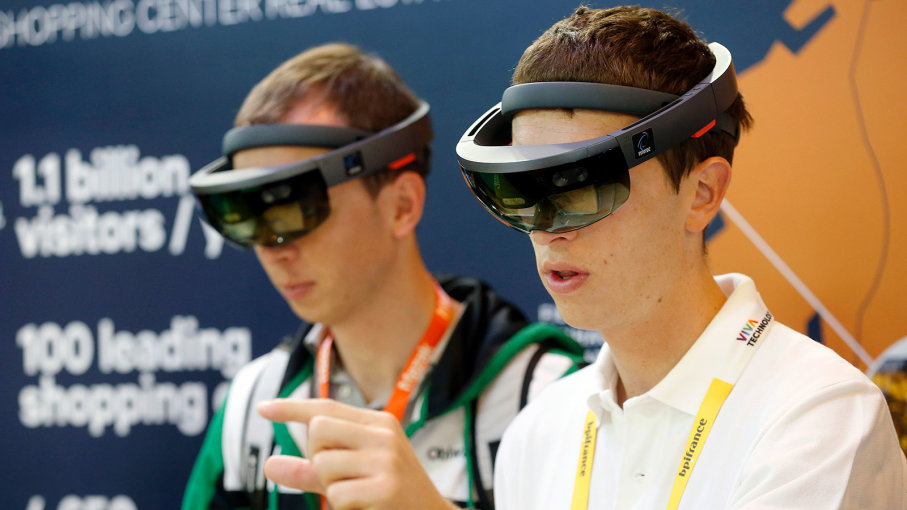
Augmented Reality, (AR) defined as technology that superimposes information- sounds, images and text. This information is then displayed in the real world (Emspak, 2018). AR is a concept that is growing rapidly and lies on a “virtual-reality continuum. However, this technology dates back to the 1990s where it was first used in fighter aircrafts to display the altitude, direction and speed of the plane.

One application, in particular, took the world by storm by using augmented reality. Pokémon Go was a global sensation, and at its peak, had over 100 million users. The game allowed users to see Pokémon in the real world through a device (Emspak, 2018). By 2023, the AR market is expected to be worth $61 billion (Fourtańe et al., 2019).

Educational Applicaiton

Schools that implement AR in classrooms will provide students with different learning opportunities and experiences (Fourtańe et al., 2019). These experiences will be engaging, informative and fun. Augmented reality can be used in a variety of subject’s strands. For example, AR can develop students understanding of science, where applications enable students to study the virtual life cycle of butterflies (Bower et al., 2014).

Just like many other technologies, the teacher has the responsibility of being the designer and facilitator. Asking many thought-provoking questions to challenge students (Bower et al., 2014). Teachers need to be confident and have sufficient training regarding augmented reality as many studies show that when used correctly, student’s motivation increases drastically (Bower et al., 2014). When using AR in the classroom, students learning attitudes towards the relevance of learning (Bower et al., 2014).

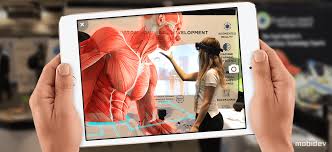
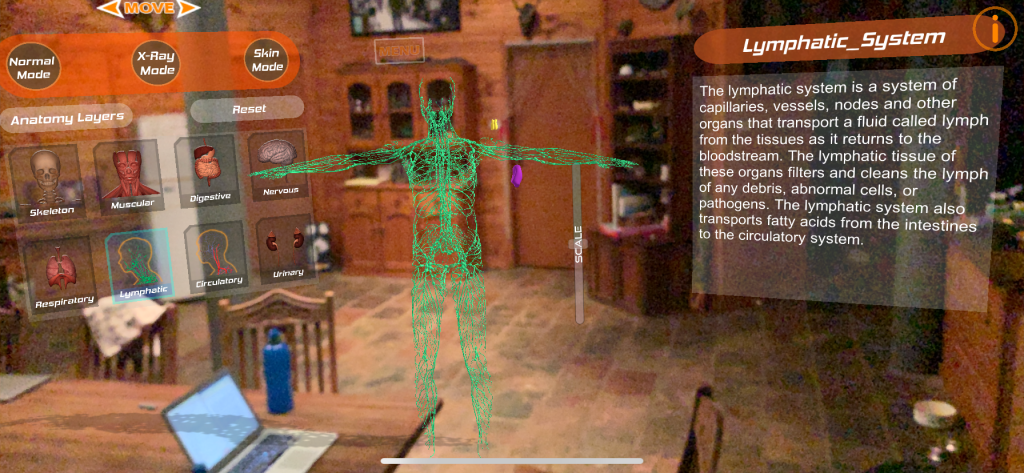
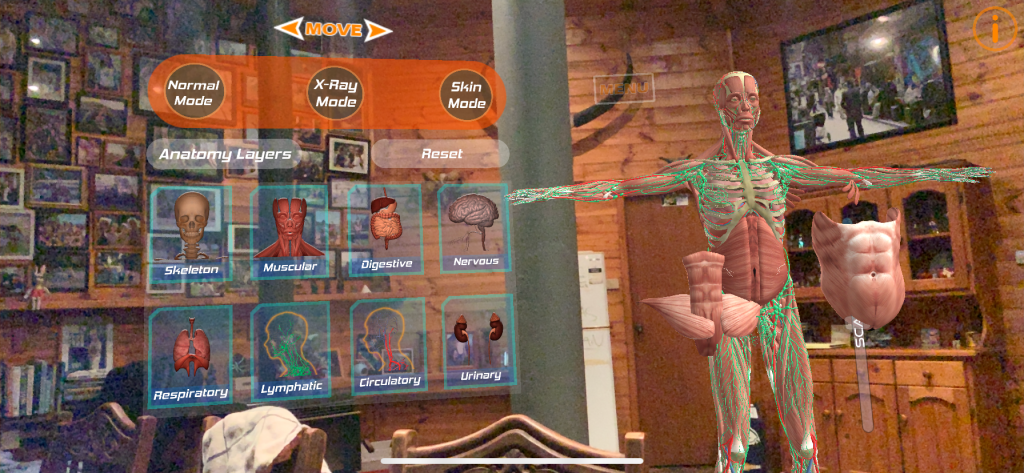
Human Anatomy 4D

Human Anatomy 4D is a free AR learning tool that I looked at in class. This application allows students to interact with a human body from the comfort of your chair. Users can pull apart the human body and be provided with a detailed description to further understand. The application as a whole is decent. It can be applied in a variety of subjects and can be used in most environments as long as there is a flat space provided. Experiential learning and also explicit instruction can both be applied. However, the application can only be used on Apple devices and the AR function was a little awkward and I had to move further back to get everything on the screen.

References

Bower, M., Howe, C., McCredie, N., Robinson, A., & Grover, D. (2014). Augmented Reality in education – Cases, places and potentials. Educational Media International, 51(1), 1-15.

Emspak, J. (2020). What is Augmented Reality?. livescience.com. Retrieved 1 June 2018, from https://www.livescience.com/34843-augmented-reality.html.

Fourtańe, S., Lang, F., & English, T. (2019). Augmented Reality: The Future of Education. Interestingengineering.com. Retrieved 18 April 2020, from https://interestingengineering.com/augmented-reality-the-future-of-education.

Categories
Uncategorized

Robotics

CC BY Texas State Library and Archive Commission: CC BY: https://www.flickr.com/photos/tslac/38049099024 , CC BY-NC-SA Mikel Agirregabiria https://www.flickr.com/photos/agirregabiria/25838338405, CC BY-NC-ND mbeo: https://www.flickr.com/photos/mbeo52/22400777882

What are Robots?

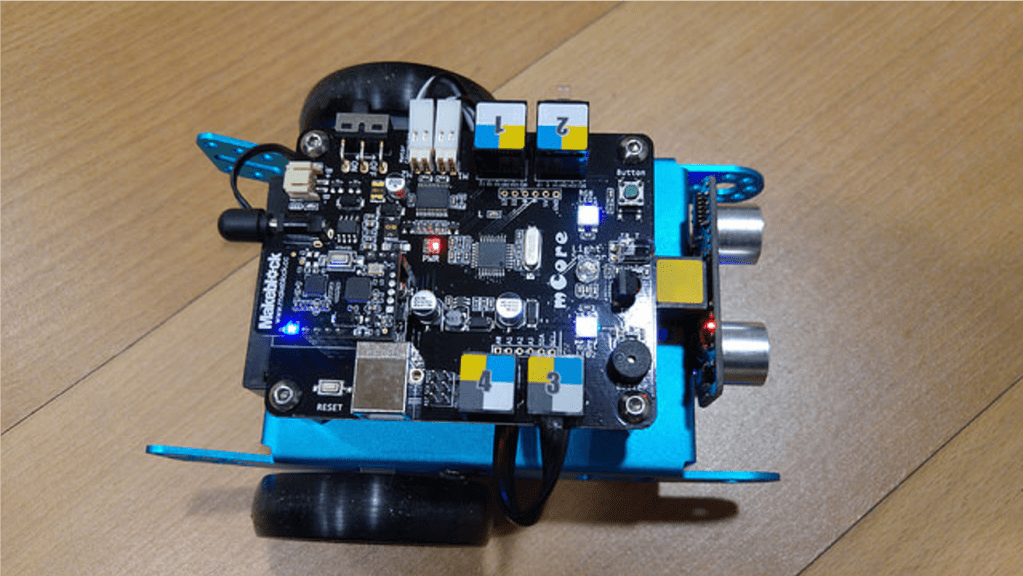
A robot is a physically embodied artificial intelligence agent that can be programmed by a computer to impact open the physical world. A Robot can execute tasks autonomously or automatically through coding. Robots may be constructed to take on human form, although, most robots are machines created to perform a task. Observe the graph below which explains the balance robots being human-like and the likeability of this realness.

Educational use

Robotics is becoming increasingly common within the classroom compared to recent years due to many educational outcomes. The application of robotics in schools is due to students graduating into a society thriving of technology, an era where robotics will be used in everyday life (Study International Staff, 2019). With the increase of robotics in education, many schools can now afford cheaper alternatives. We were shown an example of this when comparing the well know ‘Bee-Bot’ ($150) to a mouse alternative ($50), both have very similar functions.

Robotics in an education setting prove to be efficient when teaching STEM through real-world application. The use of robots has the potential to improve communication skills, collaboration, problem-solving, teamwork, creative thinking and metacognitive thinking (Jung & Won, 2018). Research has also shown that when robots are used in class, participation increases, as does motivation and overall engagement (Kim et al., 2015).  I have seen Bee-Bots used in a class setting, the level of engagement and communication is unbelievable. 

There are issues that can arise with integrating robotics in the classroom. Schools may have insufficient access to equipment and teachers may lack confidence to integrate robotics in the classroom. It may also be time consuming and teachers could be unsure as to how integrating robots can meet educational outcomes.

Blue-Bots

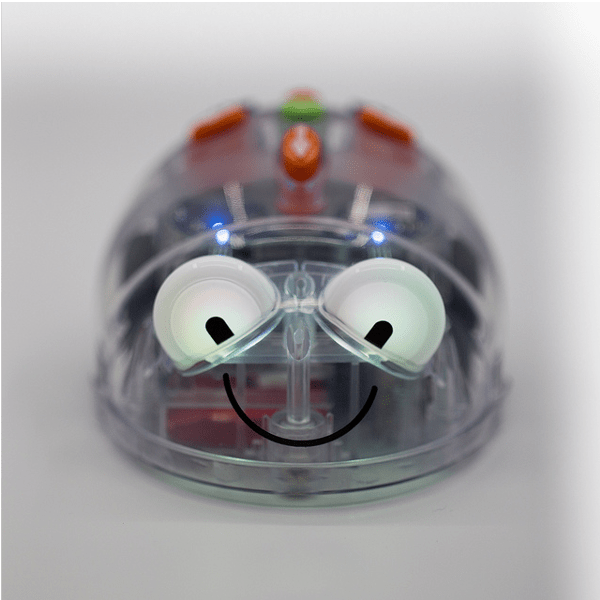
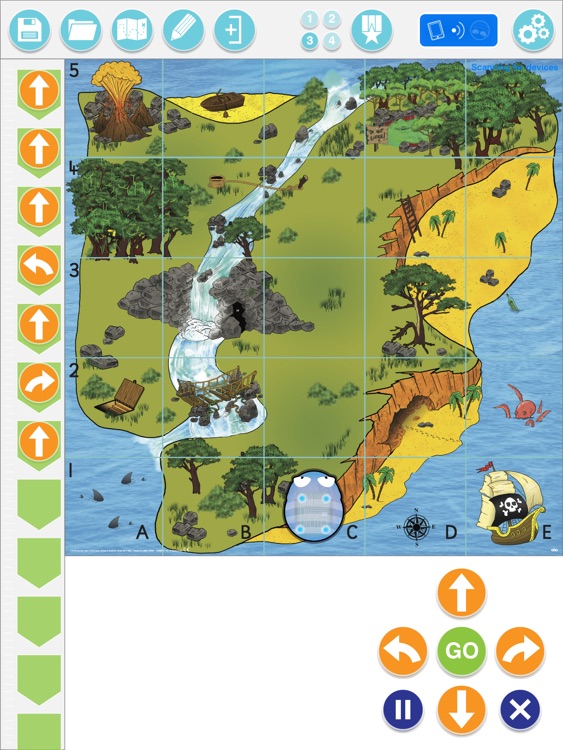
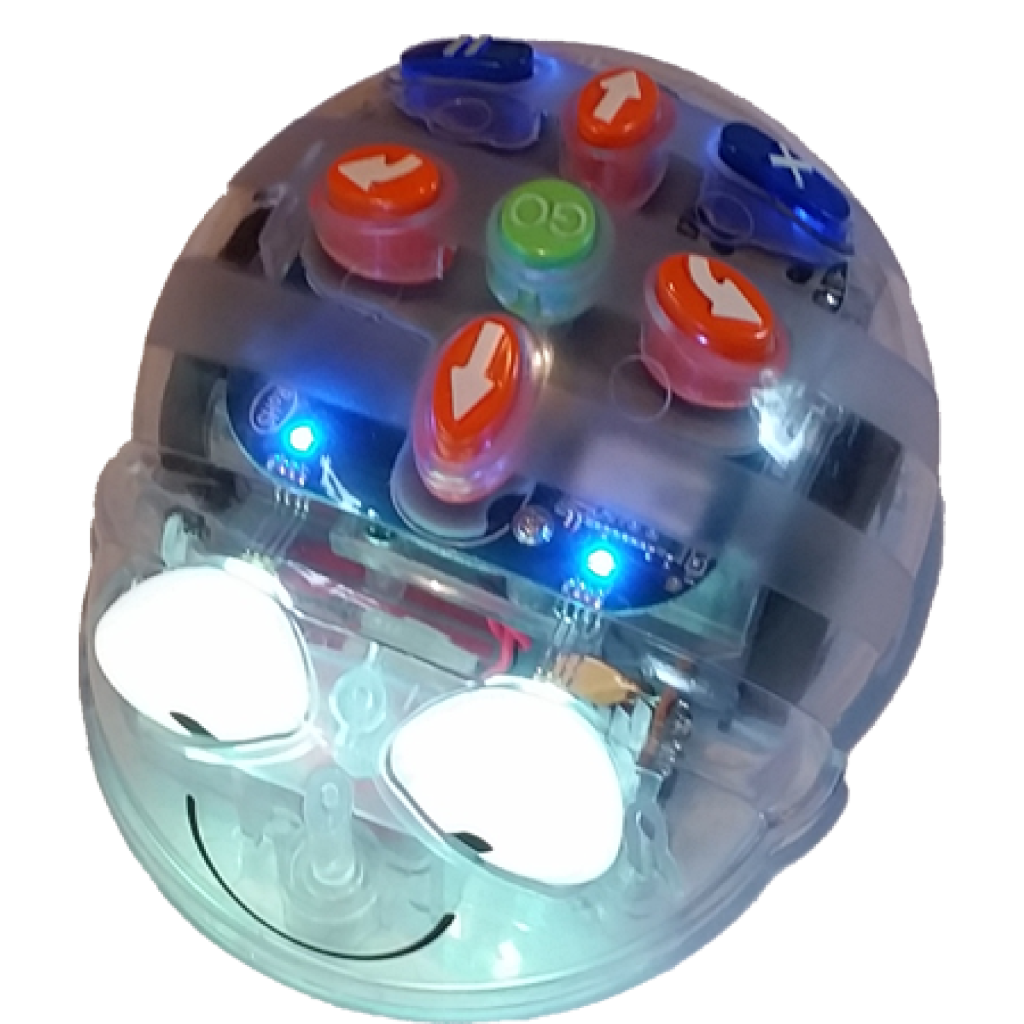
Similar to Bee-Bots, Blue-bots are a programming floor robot. Children must use a computational thinking process to determine the instructions needed before pressing ‘go’ to get to the desired area. Blue-bot has a Bluetooth chip, this allows individuals to program and control the Blue-Bot with a device. Blue-bot also has an App runs the same purpose just without the physical robot. Children may have difficulty interpreting the way the robot will be facing and the required direction needed. This will encourage problem-solving and peer-communication. 

References

Jung, S., & Won, E. S. (2018). Systematic review of research trends in robotics education for young children. Sustainability, 10(4), 905. 

Kim, C., Kim, D., Yuan, J., Hill, R. B., Doshi, P., & Thai, C. N. (2015). Robotics to promote elementary education pre-service teachers’ STEM engagement, learning, and teaching. Computers & Education91, 14-31.

Categories
Uncategorized

Computational Thinking

What is Computational Thinking

Computational thinking (CT) is the term used to describe how students develop computational solutions for a given problem (Shute et al., 2017). There has been a large increase of CT in K-12 classrooms over the years due to it allowing individuals to develop abstract thinking, problem-solving, pattern recognition and reasoning (Angeli & Giannakos, 2020). Due to these outcomes, coding and CT have become an integral part of the school curricula. Many countries are pushing for coding to be integrated as a new literacy as it supports creative problem-solving. Although the use of CT programs in schools has increased, it is important that the program actually teaches encoding skills as many don’t (Shute et al., 2017).

Micro:bit

Micro:bit is a computational thinking device used throughout the tutorial to provide individuals with a hands-on experience. Micro:bit has 25 LED lights that enable messages and games to be displayed through coding programs. The Micro:bit is a diverse tool that can be used in the STEM curriculum, whether this is for coding or computer science class. Micro: bit can be used individually or paired with Scratch or Arduino kit to make tasks more challenging.This tool has the ability to switch chips between block coding and JavaScript. The Micro: bit is for any skills level.

I personally have no knowledge on coding and found this tool fun and engaging. The tool allows for differientiation, due to the complex coding for the more experineced individuals. The diverseness of the tool is amazing, from LED lights flashing to loud sounds, to the A and B buttons turning the tool into a game controller. The website is also very straight forwards, however, I have found many people having issues connecting to the micro: bit via Bluetooth.

References

Angeli, C., & Giannakos, M. (2020). Computational thinking education: Issues and challenges. Computers In Human Behavior105, 106185. https://doi.org/10.1016/j.chb.2019.106185

Shute, V., Sun, C., & Asbell-Clarke, J. (2017). Demystifying computational thinking. Educational Research Review22, 142-158. https://doi.org/10.1016/j.edurev.2017.09.003

Categories
Uncategorized

Design Based Thinking

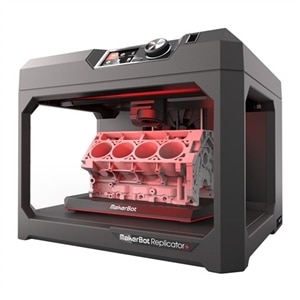
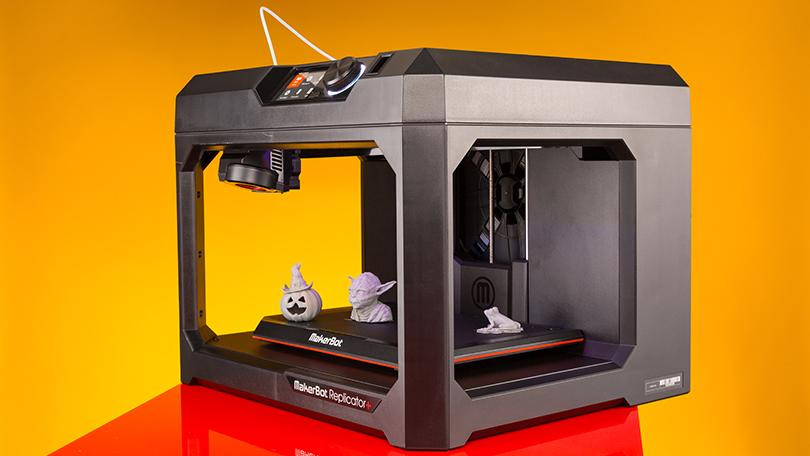
Retrieved from: Hoffman (2020)- The Best 3D Printers for 2020

Classroom Application

3D printing has the potential for becoming teaching resource as it can foster creativy and design based thinking. 3D printing was first introduced in the 1980s and this technology has been completely revolutionising. 3D printing has revolutionised society as it has the ability to control cell behaviour and promote tissue engineering can be developed (DeBari et al., 2018). When the technology is used appropriately, there is a significantly large potential for creativity (Edwards, 2011).

3D printing in education is becoming more and more accessible due to the reduction in hardware costs. 3D printing is when a three-dimensional object is printed through a sequence of materials being dispositioned a layer at a time to build a physical model. In terms of creativity, 3D printing has unlimited potential across the curriculum (Horejsi, 2014). For example, a science lesson can compose of 3D cells structures, DNA strands or life-sized organs. This hands-on learning is important for student’s responsiveness to academic subjects (de Souza Fleith 2000, p. 150). With 3D printing, students will be able to see what is being tuaght through hands on learning. Students will be able to see the value in lessons as they can solve real-world problems.

3D printing and the design process enable students to use their spatial intelligence. In terms of what can be created, the possibilities are nearly endless. Students will be able to interpret size, shape, movement and relationships between objects. According to studies, the use of 3D printers in education enhances a child’s spatial intelligence.

Tinkercad

Tinkercad was explored in the tutorial as a programme to design and construct 3D models through geometric. Overall, the programme is easy to navigate around and work out. the only negetive is the need to have access to a computer. Students arent able to access Tinkercad on a tablet. Below is a name tag I designed.

Categories
Uncategorized

Task 1: 3D Pens Critique

3 Dimensional Pens

Creativity in the classroom

A learning environment frequently benefits from new developments of technology, as technology can enhance creativity and sustain an active learning environment. Examples of the technology that has brought about educational change over time, include projectors in the 1930s, photocopiers and videotapes in the 1950s and computers in the 1980s (Dousey & Weible, 2019). It is significantly important that technology is used to create information as opposed to consuming information, as this allows children to take control of their learning (Jonassen et al. 1994). When technology is used correctly, it has the potential to foster creativity (Edwards, 2011).

What are they?

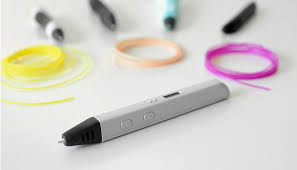
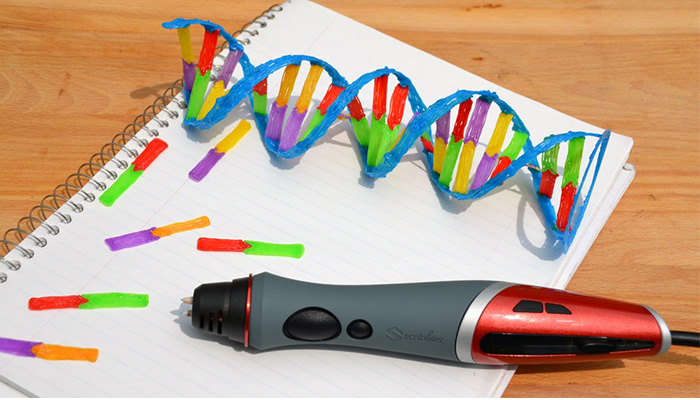
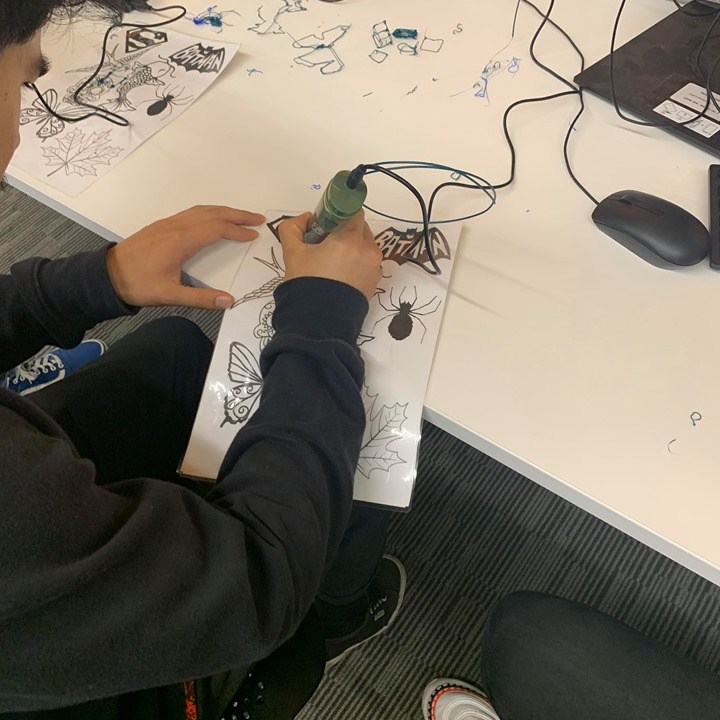
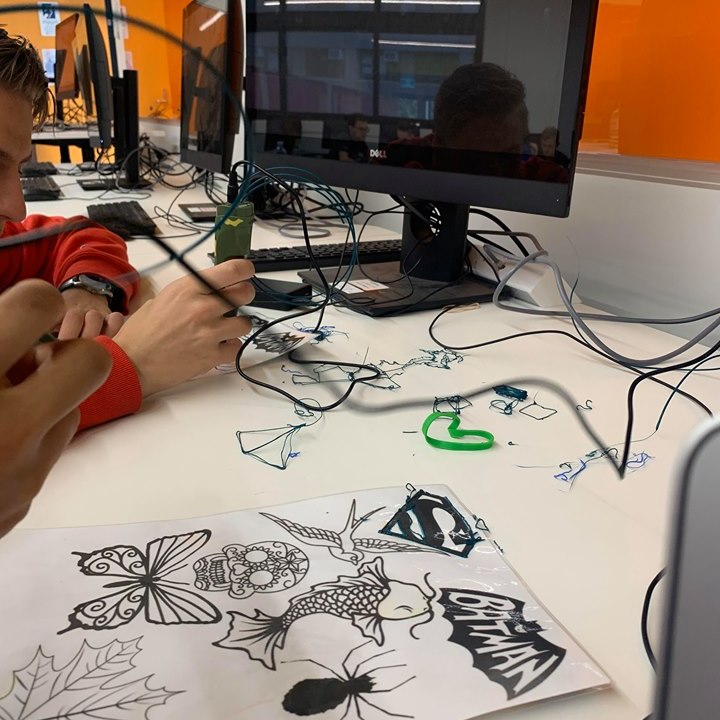
Three-dimensional pens are an emerging tool, used within the classroom to design and create anything the user desires. The pen works as a manual operating 3D printer that dispenses heated plastic form the tip and cools down to create solid lines of plastic. The cooling of the plastic allows students to draw a significant amount of shapes and items, on both a two-dimensional surface and three-dimensional space.
A three-dimensional pen is a tool that can expand an individual’s understanding of a topic and nurture creativity. The pen can be integrated into a variety of subjects. An example would be in maths, students can use the three-dimensional pen to draw geometric designs and create their very own shape. de Souza Flieth (2000) states that students will respond strongly for opportunities to develop creativity, such as maths activates, science exploration and writing labs. Students will respond better to hands-on activities and projects that integrate academic subjects (de Souza Fleith 2000, p. 150).

Final Thoughts

The three-dimensional pen that was used within the week 2 tutorial offers the potential for a creative and new way of learning. In terms of practicality, the tool would take some time to get used to. Although once mastered, the opportunities would be endless, from constructing DNA strands in science to constructive buildings in history.
In terms of affordability, the majority of schools wouldn’t have the luxury of having a three-dimensional printer at their disposal. The three-dimensional pen, however, offers students a similar experience to the printer, however at a much more affordable option.

References

de Souza Fleith, D. (2000). Teacher and student perceptions of creativity in the classroom environment. Roeper Review, 22(3), 148–153. https://doi.org/10.1080/02783190009554022

Dousay, T., & Weible, J. (2019). Build-A-Bug Workshop: Designing a Learning Experience with Emerging Technology to Foster Creativity. Techtrends, 63(1), 41-52. https://doi.org/10.1007/s11528-018-0364-8

Edwards, S. M. (2001). The technology paradox: efficiency versus crea- tivity. Creativity Research Journal, 13(2), 221–228. https://doi.org/ 10.1207/S15326934CRJ1302_9. 

Jonassen, D. H., Campbell, J. P., & Davidson, M. E. (1994). Learning with media: restructuring the debate. Educational Technology Research and Development, 42(2), 31–39. https://doi.org/10.1007/ BF02299089. 

Design a site like this with WordPress.com
Get started